Most no-code comparisons are written by people who watched three YouTube videos. I actually built the same app — a simple client portal with a data table, a form, and login-gated access — in all three tools. Same idea, same weekend, three very different experiences.
Here's what I found.
The App I Built (and Why It's a Fair Test)
The project: a client-facing portal where small agency owners can log in, view project status updates, and submit feedback via a form. Basic, but it touches the core of what most no-code builders need — authentication, a database, conditional visibility, and a form with a submission hook.
Not a toy. Not a landing page. An actual working product.
Each tool was tested on its free or lowest paid tier to reflect real indie-hacker constraints. No enterprise plans, no agency shortcuts.
Side-by-Side: How They Actually Performed
| Feature | Glide | Softr | Bubble |
|---|---|---|---|
| Setup time to first screen | ~8 minutes | ~12 minutes | ~35 minutes |
| Built-in auth | Yes (email PIN) | Yes (magic link) | Yes (custom) |
| Native database | Glide Tables | Airtable / Google Sheets | Bubble DB (built-in) |
| Conditional visibility | Limited on free tier | Solid | Excellent |
| Starting price | Free / $49/mo Maker | Free / $49/mo Basic | Free / $29/mo Starter |
| Learning curve | Low | Low-medium | High |
| Custom domain on paid | Yes | Yes | Yes |
Glide: Fast, Opinionated, and Surprisingly Capable
Glide is brutally fast to start. Connect a Google Sheet or use Glide Tables, pick a layout, and you're showing something functional to a client within an hour. The UI is clean and mobile-first by default, which matters more than people admit.
The catch? Glide is opinionated. It wants to build certain types of apps — directories, trackers, internal tools — and it nudges you toward those patterns. When I tried to add user-specific data filtering (showing each client only their own projects), I hit a wall on the free plan. That feature, called "row owners," is gated behind the $49/month Maker tier.
Still, for freelancers building internal tools or simple client-facing apps, Glide is the fastest path from idea to demo.
Softr: The Sweet Spot for Non-Technical Founders
Softr sits in an interesting middle ground. It's not as instant as Glide, but it's far more flexible without requiring you to think like a developer.
The portal I built in Softr looked the most professional out of the box. Softr's block-based editor is intuitive, and its Airtable integration is genuinely well-executed — filtering records by logged-in user just works, without extra configuration gymnastics. Magic link login took about four minutes to configure.
Where Softr stumbles is complex logic. If you need conditional workflows — "if client submits form AND project status is pending, send a Slack message" — you're reaching for Zapier or Make immediately. That's fine, but it adds cost and complexity fast.
Best for: non-technical founders building membership sites, client portals, or internal dashboards who want something that looks polished without a design degree.
Bubble: Total Control, Real Cost
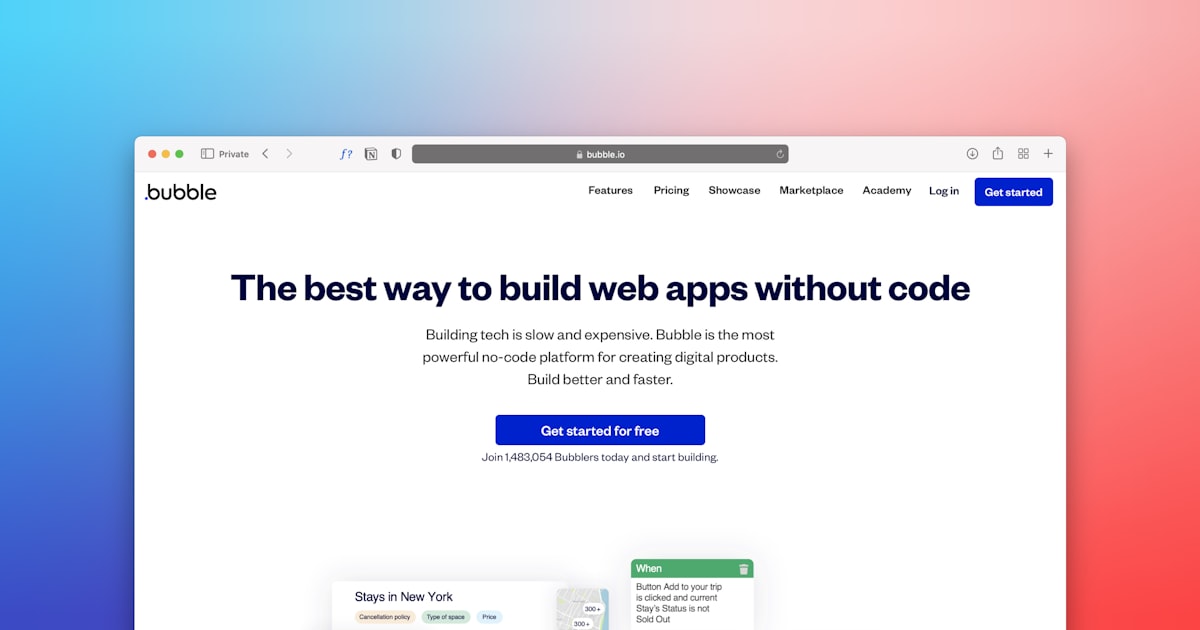
Bubble is not a no-code tool in the same sense as the other two. It's a visual programming environment. The distinction matters.
Building the same portal in Bubble took me about three times longer. Setting up data types, privacy rules, and workflows requires genuine systems thinking. The learning curve is steep — Bubble's own documentation recommends setting aside several weeks to become proficient, and that tracks with my experience.
But here's the flip side: once it's built, it's yours. The app I built in Bubble handled edge cases the other two couldn't touch. Custom user roles. Complex conditional visibility. Server-side logic that ran without a third-party automation tool. Bubble's free tier even lets you publish live (with a Bubble subdomain), which is genuinely generous.
If you're planning to build a real product — something you'd charge real money for and iterate on for years — Bubble's $29/month Starter plan is the most scalable entry point of the three.
FAQ
Which tool is best for a complete beginner?
Glide. You can build something real in under an hour with zero prior experience, especially if your data lives in Google Sheets.
Can I migrate my app from Softr to Bubble later?
Not directly — there's no export path between platforms. Plan your tool choice before you build, not after.
Is Bubble worth the learning investment?
If you want to build a scalable, sellable product: yes. If you need a quick internal tool or client portal: probably not.
Do any of these tools require a credit card to start?
No. All three — Glide, Softr, and Bubble — offer free tiers with no credit card required to get started.
Bottom line: Use Glide to move fast and validate. Use Softr when you need polish without complexity. Use Bubble when you're building something you want to own completely. They're not competitors so much as tools for different stages of ambition.
Exploring more no-code stacks? Check out the full no-code tools archive at AI Profit Automation for hands-on breakdowns updated regularly.