I switched tools mid-project three times in one week. That's how unsettled I felt about my AI coding setup heading into this comparison. Four weeks later, I have a clear answer — and a slightly embarrassing confession about which tool I underestimated.
Both Cursor AI (starting at $20/month for Pro) and GitHub Copilot ($10/month for individuals, $19/month for business) are genuinely useful. But they're built around different philosophies, and once you see that, the choice becomes obvious for your situation.
How I Actually Tested These
No toy projects. Four weeks, real client work: a React dashboard for a SaaS client, a Python data pipeline, a small internal tool for a logistics company, and ongoing maintenance on a legacy PHP codebase. I used Cursor for two weeks, then Copilot for two weeks, tracking time-to-completion on discrete tasks.
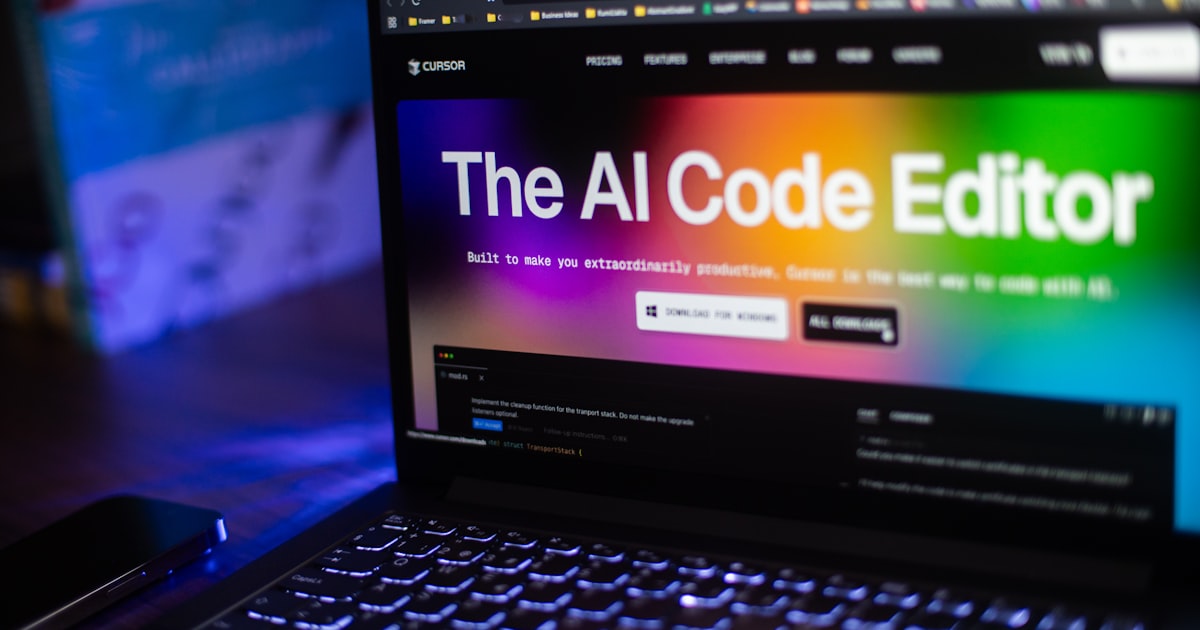
Cursor runs as a standalone editor — a fork of VS Code. Copilot lives inside your existing editor as an extension. That difference alone shapes everything.
Where Each Tool Actually Shines
Cursor's biggest strength is its codebase awareness. Once you open a project, you can highlight a function, hit Cmd+K, and ask it to refactor using context from three other files. It actually reads your repo. On the React dashboard, I asked it to "match this component's pattern to how we handle loading states in the data table." It nailed it on the first try.
Copilot, by contrast, is a phenomenal autocomplete engine. It predicts what you're about to type with eerie accuracy — especially in languages with strong conventions like Python and TypeScript. It shines brightest when you're writing new code from scratch, not wrestling with existing architecture.
The legacy PHP work told the real story. Cursor struggled occasionally with older syntax patterns and gave me a few confident-but-wrong suggestions. Copilot, trained on an enormous volume of legacy code via GitHub's corpus, handled PHP quirks more gracefully.
Head-to-Head Breakdown
| Feature | Cursor AI (Pro) | GitHub Copilot |
|---|---|---|
| Price (monthly) | $20/month | $10–$19/month |
| Editor | Standalone (VS Code fork) | Extension for any editor |
| Codebase context | Strong — reads full repo | Limited to open files |
| Autocomplete quality | Good | Excellent |
| Chat / instruction mode | Excellent (Claude + GPT-4o) | Good (GPT-4o) |
| Multi-file edits | Yes | Limited |
| Legacy code handling | Average | Strong |
| Setup friction | Medium (new editor) | Low (plug into existing setup) |
The Honest Productivity Numbers
Across comparable tasks, Cursor saved me more time on complex, multi-file work. On the React dashboard alone, I estimate I spent 30–40% less time on refactoring tasks compared to my Copilot week. That's not a controlled study — that's my honest sense from tracking task completion in Notion.
Copilot was faster for greenfield work. Writing a new Python script from scratch? Copilot's inline suggestions meant I barely had to leave the keyboard. Less context-switching. Faster flow state.
Here's the thing nobody talks about: Cursor makes you a better architect. Because you're having conversations with your codebase, you think more carefully about structure. Copilot makes you a faster typist. Both are valuable. They're just different leverage points.
Who Should Use Which
Use Cursor if you're working on established codebases, doing client projects with complex requirements, or if you want an AI that reasons about architecture rather than just completing lines.
Use GitHub Copilot if you're deep in a particular editor ecosystem, work across many languages including older ones, or you prefer autocomplete-style assistance over conversational AI.
Honestly? Some people run both. Copilot for day-to-day typing speed, Cursor for the big architectural conversations. At a combined $30/month, if it saves you two billable hours, it pays for itself.
FAQ
Can Cursor AI replace GitHub Copilot entirely?
For most modern web and app development, yes. For heavy legacy codebases or if you live in JetBrains IDEs, Copilot still has an edge.
Does Cursor AI work offline?
No. Cursor requires an internet connection to access its underlying models (Claude, GPT-4o). Plan accordingly if you travel frequently.
Is GitHub Copilot worth it at $10/month?
Almost certainly yes for any working developer. The individual tier is one of the best value-per-dollar AI subscriptions available right now.
Which tool is better for non-engineers building tools with AI assistance?
Cursor. Its conversational interface and codebase context make it far more accessible for people who code but don't consider themselves engineers.
Bottom line: Cursor is the better tool for serious project work — its codebase awareness is a genuine step up. Copilot is the smoother daily companion for pure coding speed. Neither is wasted money.
Exploring more AI tools that actually move the needle? Check out the AI Tools Reviews section for hands-on breakdowns every week.